
Luminel for Photoshop
Your AI workbench
for Photoshop.
Generate, edit, and upscale images or create videos with the newest models — directly inside Photoshop’s non-destructive workflow.
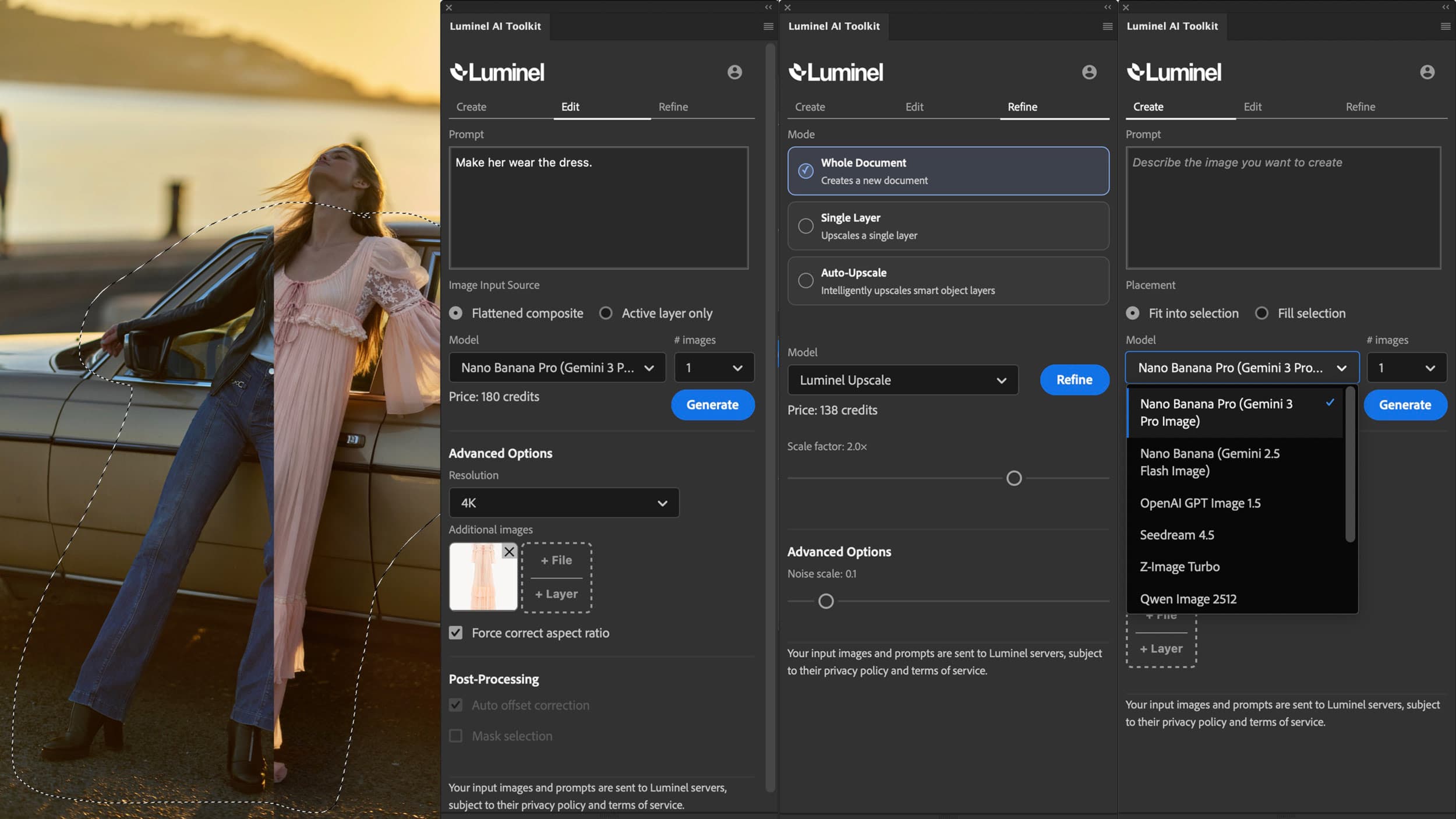
A tool that respects your craft.
Luminel is built for photographers, designers, and art directors who want the speed of modern generation without leaving the precision of Photoshop.
Generate from scratch or edit existing images with reference guidance and tight control.
Work in context — place results on layers, refine and iterate without breaking your file.
Non-destructive upscaling preserves layer structure while pushing resolution up to 200MP.
Create videos directly in Photoshop with references from layers or files.
The built-in Face Refiner fixes overly smooth AI-generated faces to give perfectly realistic features.
GPT Image 2.0, Nano Banana 2 & Pro, Seedance 2.0, Kling 3.0, and more — continuously updated, to keep you at the edge of current technology.
Two simple plans.
Easy setup.
Pick Plus for monthly included credits or pick Basic and buy credits only when you need them.
Receive the plugin as a simple download, double-click to install.
No complex setup, no API keys, no sign-up to any other service.
Built for real-life image work.
See what you can do with Luminel in high-value AI assisted use cases.
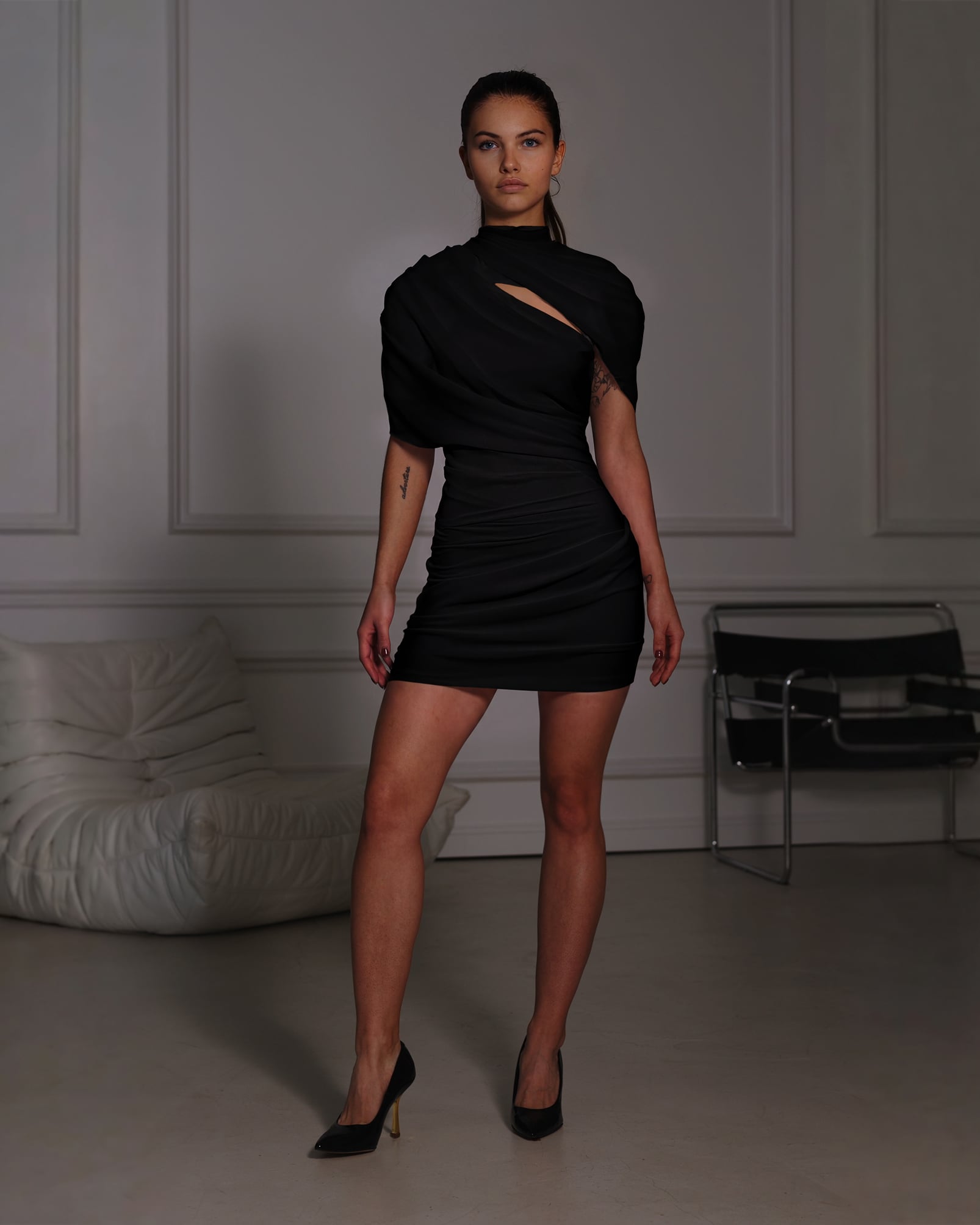
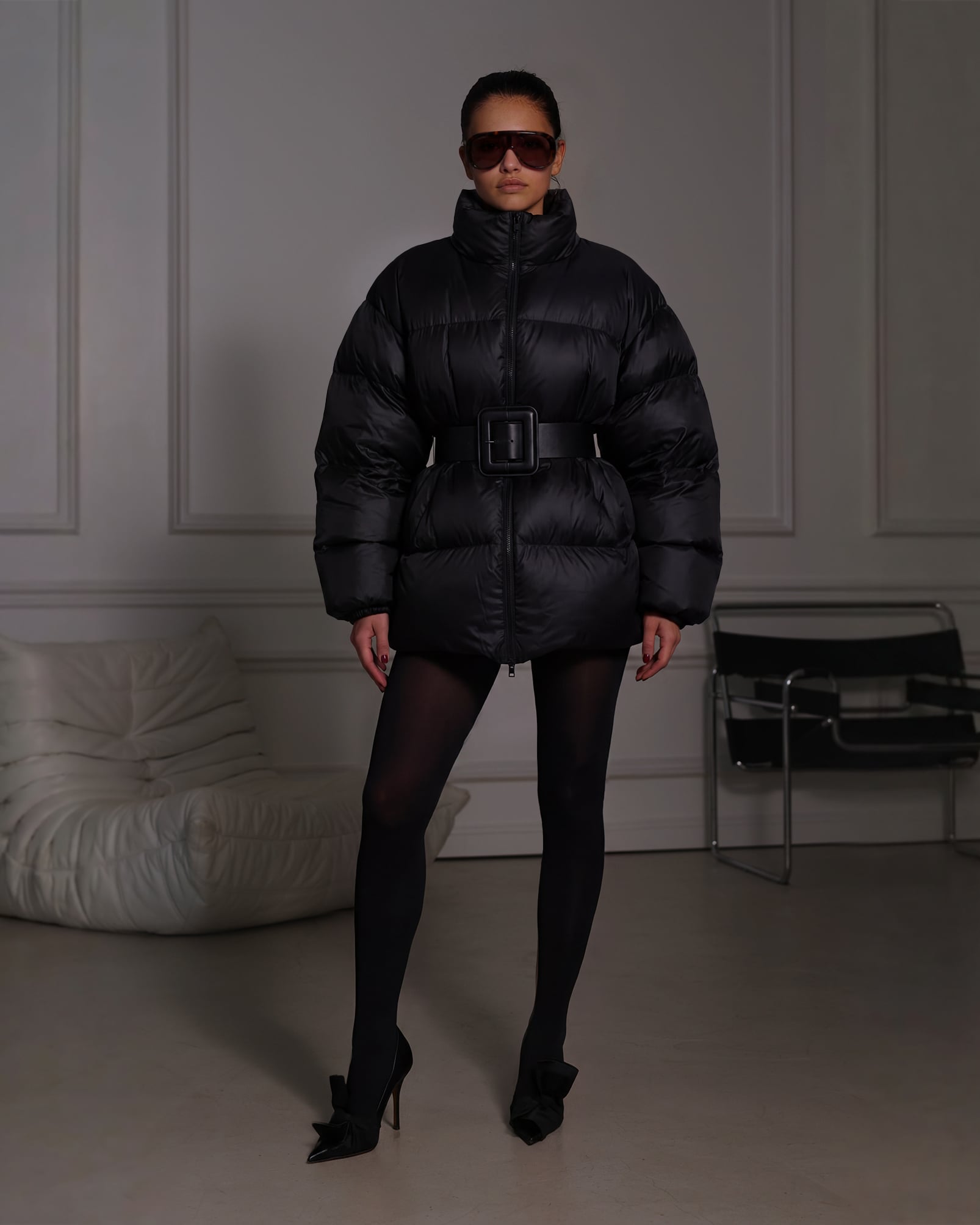
High-Accuracy Outfit Changes
Use multiple reference images to change clothing on subjects. The AI maintains high fidelity to your reference materials while respecting the folds and physics of the original image.
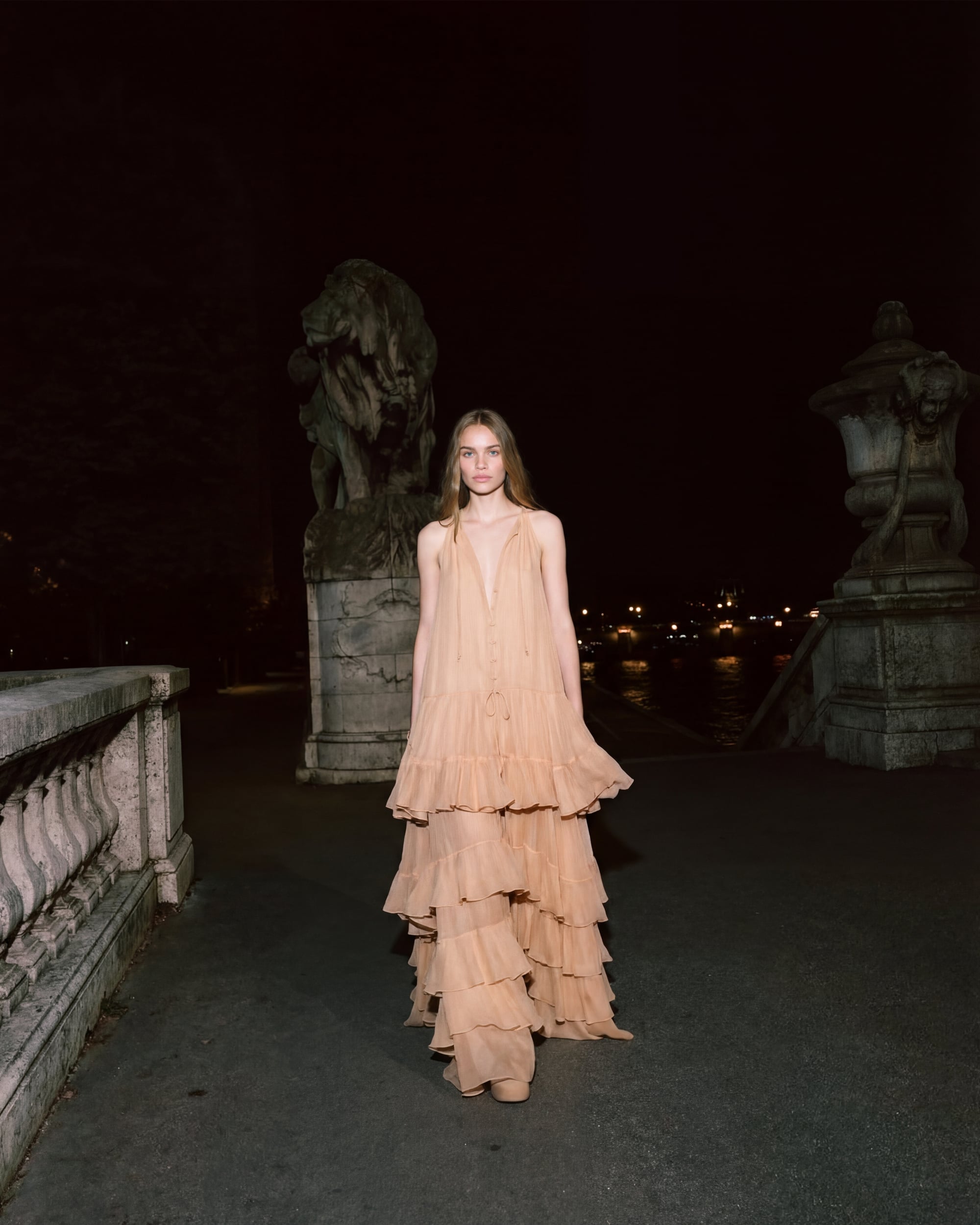
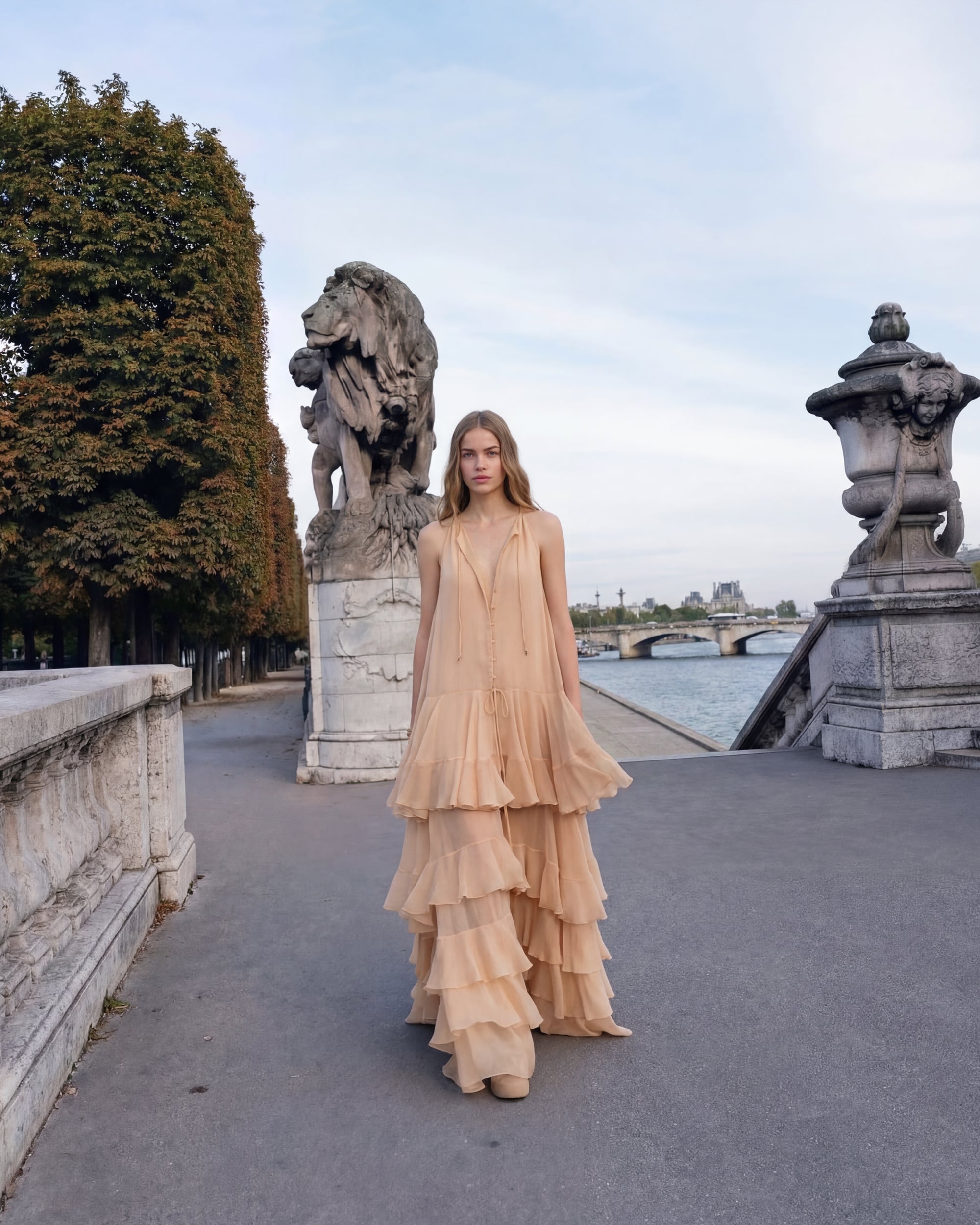
Dynamic Relighting
Adjust light sources, angles, and intensity after the shot is taken. Use layer opacity to blend AI-generated lighting with your original image for total creative control.
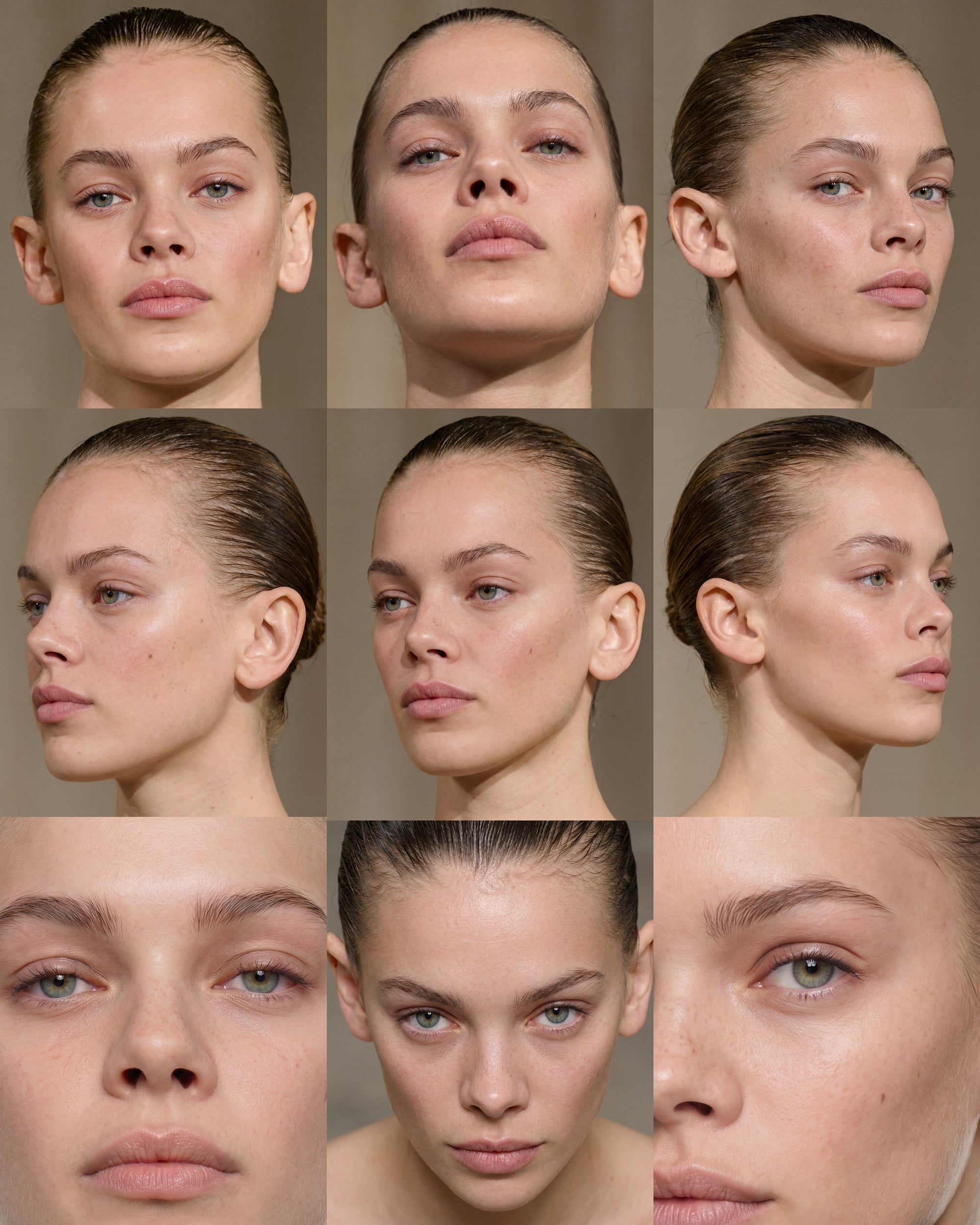
Consistent Character Development
Create and maintain consistent AI characters across different poses and angles. Add specific details and imperfections to move beyond the generic AI look.
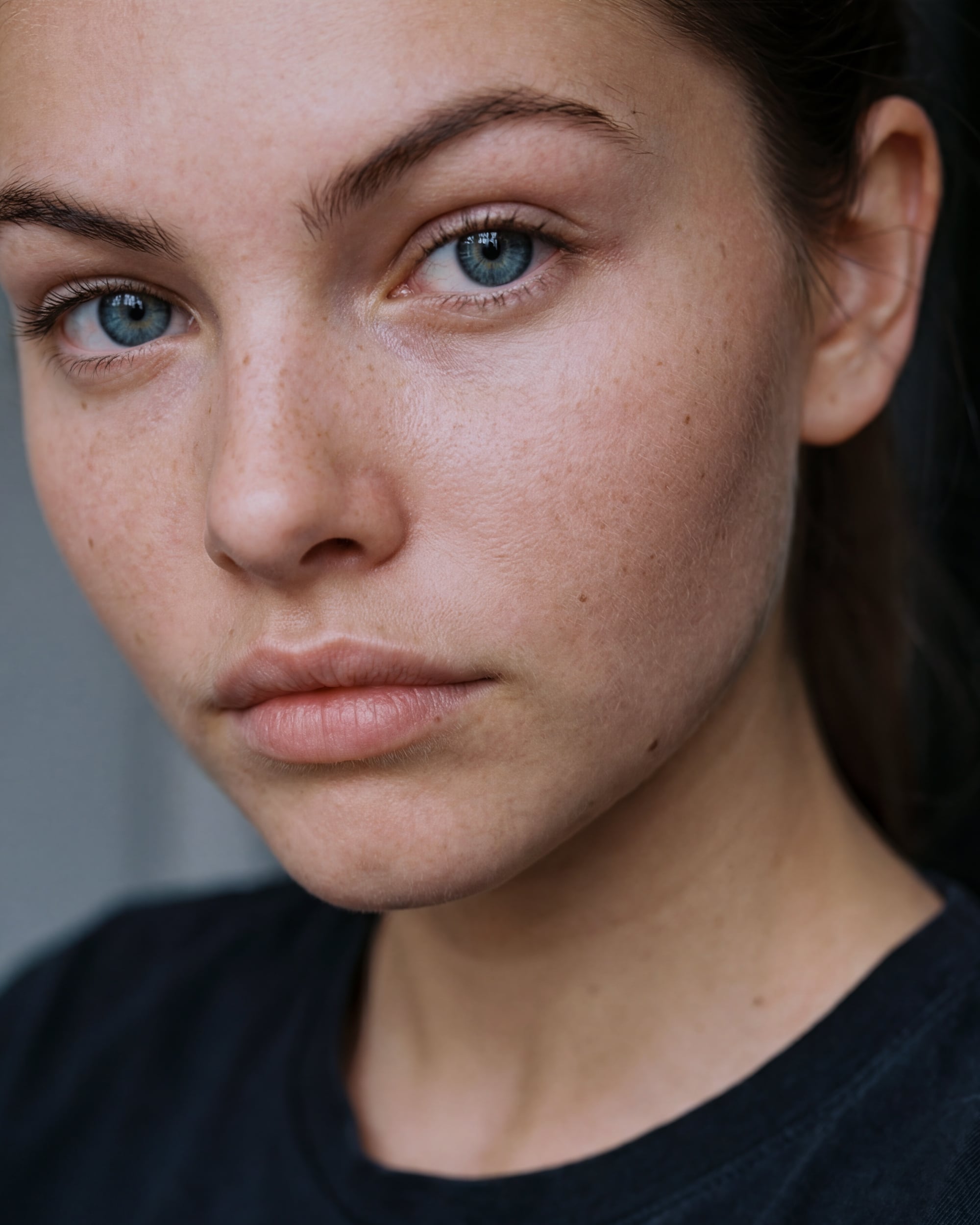
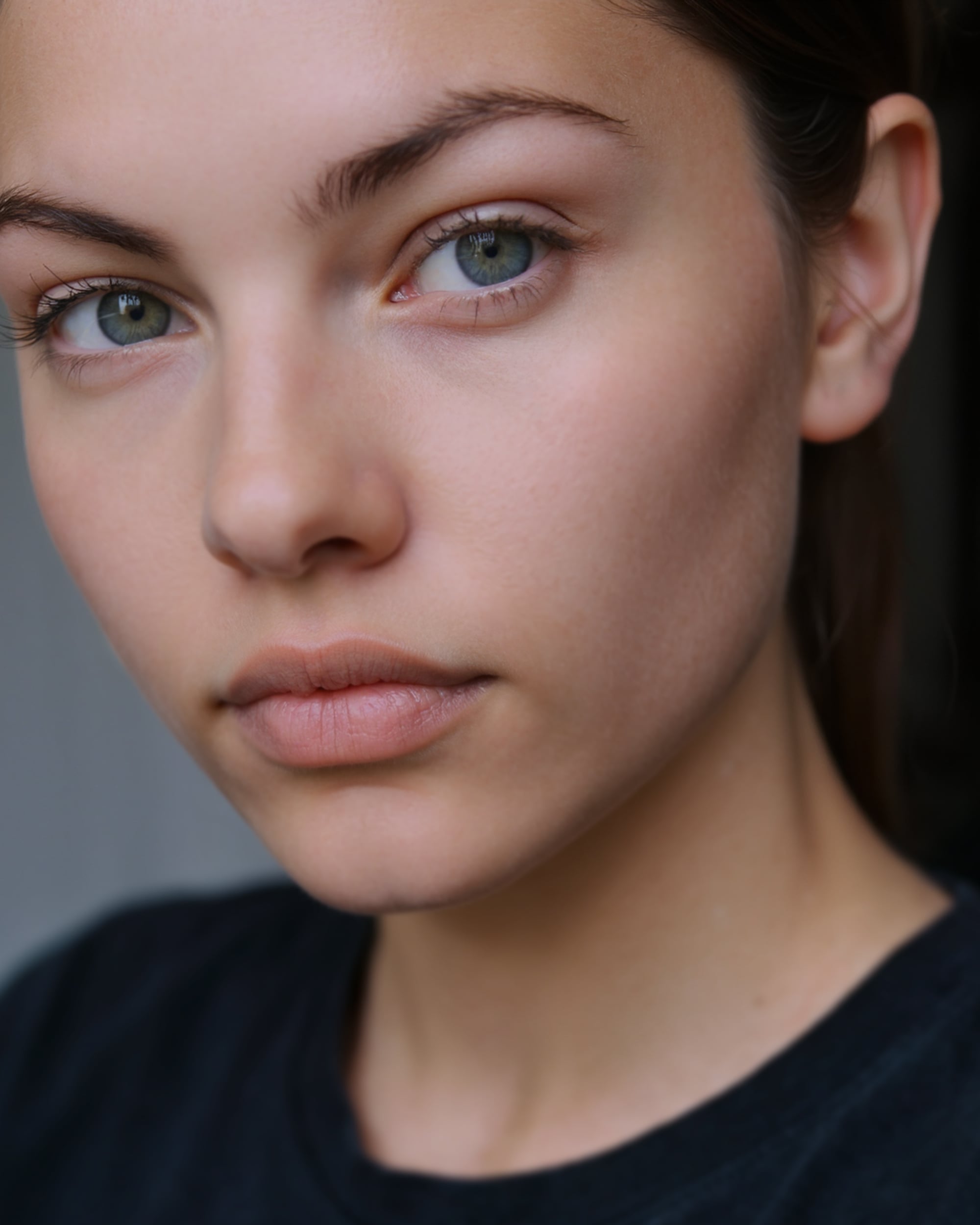
Skin and Realism Refinement
Eliminate the artificial appearance of AI imagery. Specialized tools enhance skin texture and pores to ensure portraits look natural and authentic.
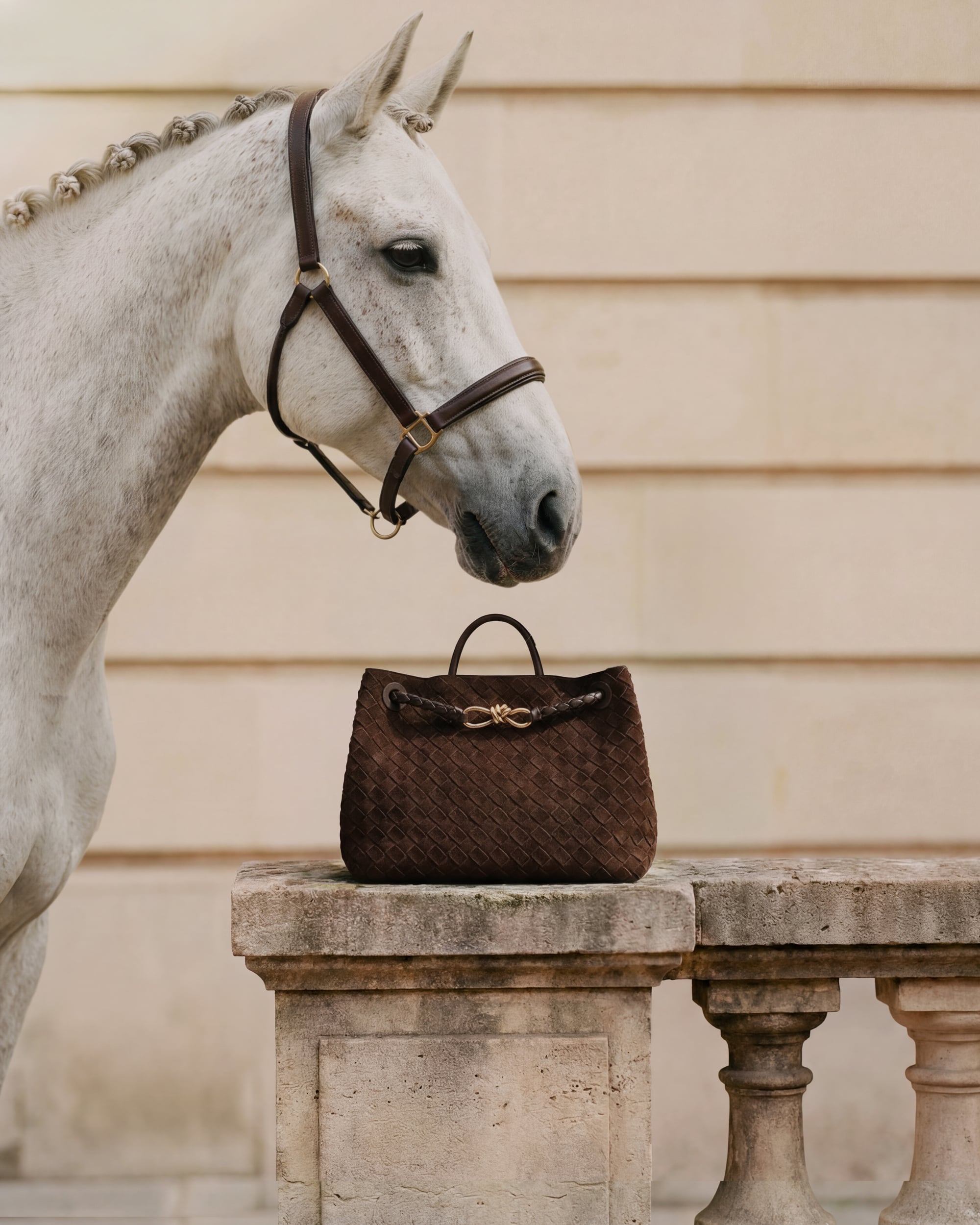

Product Photography
Convert basic product shots into professional studio or location imagery.
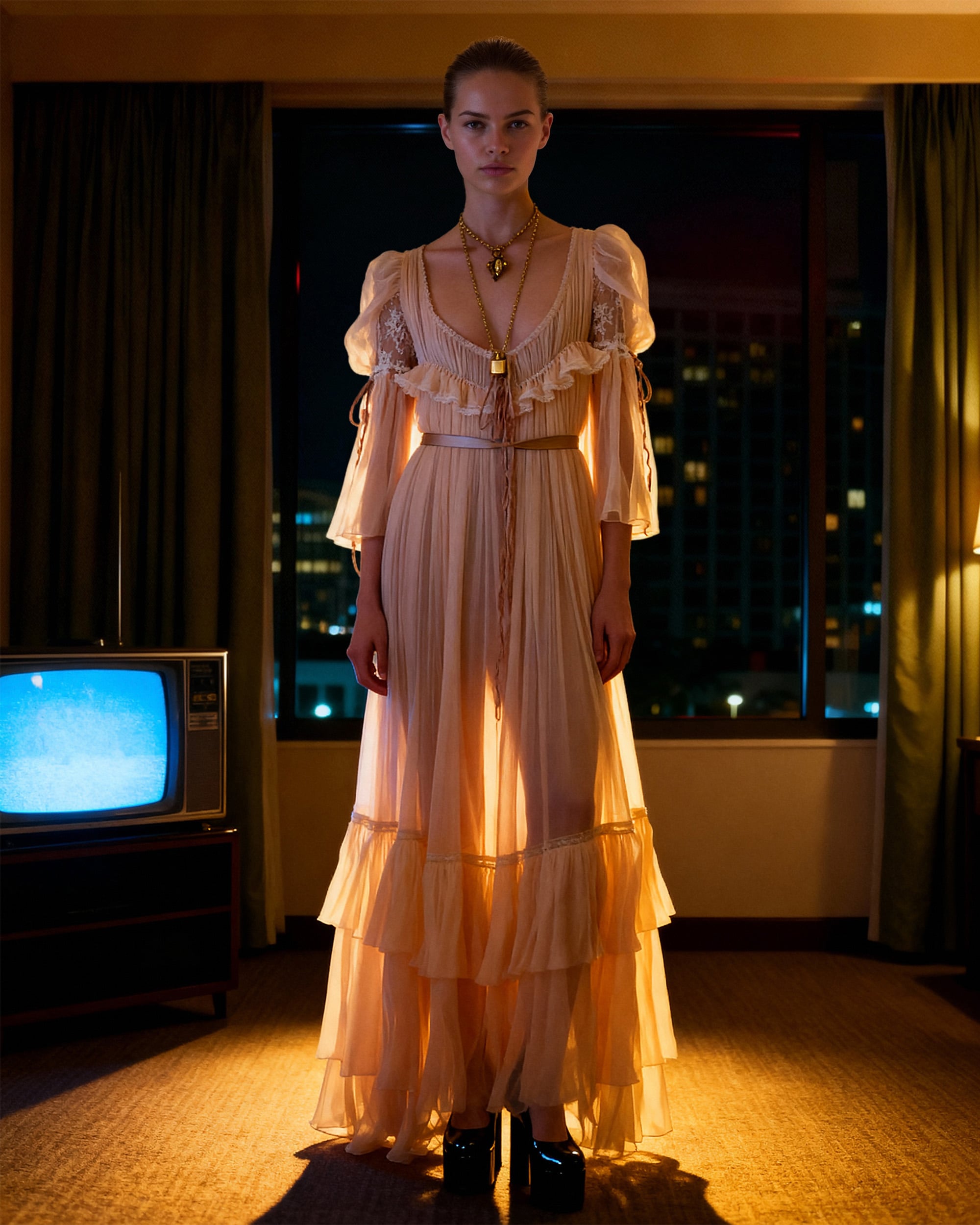
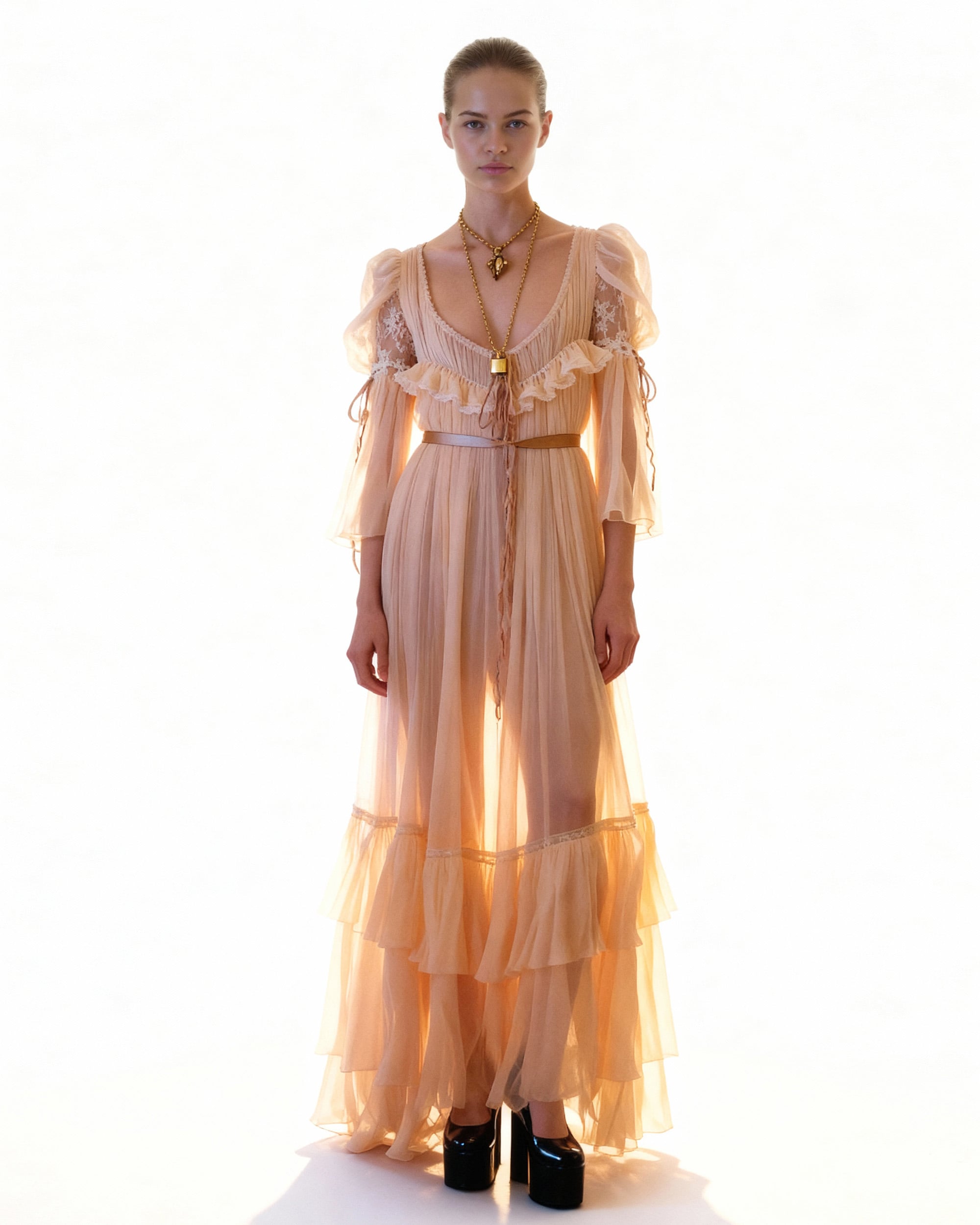
Location Change
Create stunning backgrounds and locations for your photos.
High-Accuracy Outfit Changes
Use multiple reference images to change clothing on subjects. The AI maintains high fidelity to your reference materials while respecting the folds and physics of the original image.
Dynamic Relighting
Adjust light sources, angles, and intensity after the shot is taken. Use layer opacity to blend AI-generated lighting with your original image for total creative control.
Consistent Character Development
Create and maintain consistent AI characters across different poses and angles. Add specific details and imperfections to move beyond the generic AI look.
Skin and Realism Refinement
Eliminate the artificial appearance of AI imagery. Specialized tools enhance skin texture and pores to ensure portraits look natural and authentic.
Product Photography
Convert basic product shots into professional studio or location imagery.
Location Change
Create stunning backgrounds and locations for your photos.
Beyond what ships
in Photoshop.
This is a product-level summary — exact model availability changes as models evolve.